Viðrir

Gaming, Linux and other stuff...

So my oldest daughter really wanted to play the game Neverness to Everness on the PC. Only problem was that it is currently not distributed through Steam, Epic or GOG, so she tried to download the .exe file and run it as she was used to when we had Windows 11 on this computer.

That meant that this would my first attempt to run non-steam games with Steam.

I just added the .exe file to Steam through the Steam main menu, but that failed, it just crashed.

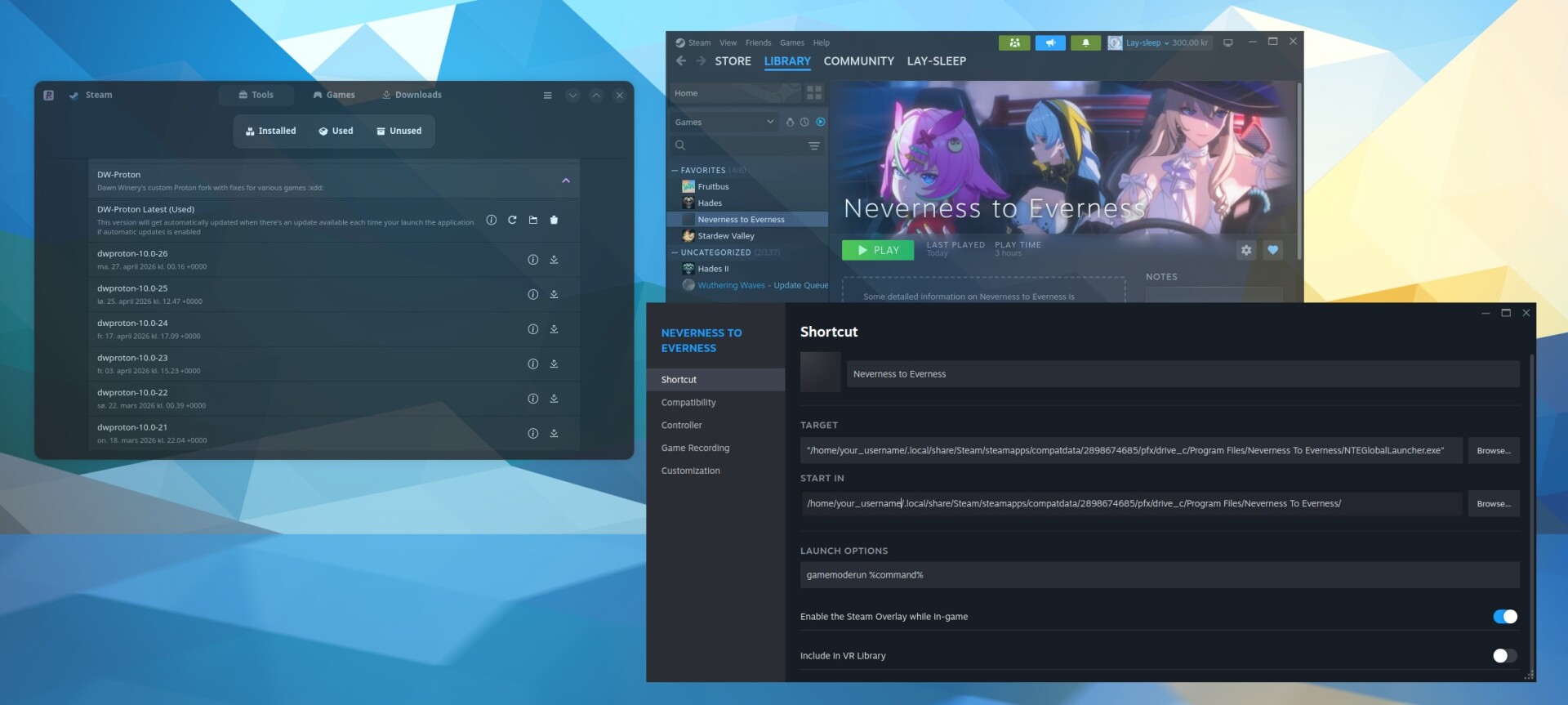
After some reseach I then downloaded GW Proton Latest with ProtonPlus, restarted Steam and ran it again, then the installer installed the game launcher.

I then needed to change the path to the game in Steam to where the game launcher was installed:

Screenshot from Fedora

"/home/your_username/.local/share/Steam/steamapps/compatdata/2898674685/pfx/drive_c/Program Files/Neverness To Everness/NTEGlobalLauncher.exe"

When I ran the game again, the game launcher appeared and I could continue the installation. After downloading about 50GB of data, the game ran successfully.

Note: I always add this as a startup command in Steam:

gamemoderun %command%

Lastly I changed the name of the shortcut and downloaded some images that I to Steam so the game looks like a “Steam game”.

She has now played it for three hours, it runs butter smooth at 120fps on “high” settings with no stutters or problems.

The summer of 2024 we were going an a very long roadtrip so I bought the Steam Deck OLED. It was my first attempt at gaming on Linux (since Steam Deck runs SteamOS, an Arch-based Linux-distro developed by Valve).

It was a huge game changer (pun intended) for me! Both in my relationship with games and gaming, but also with Linux.

I didn't expect that basically my entire Steam library would work, and I definitively did not expect that it would work so well!

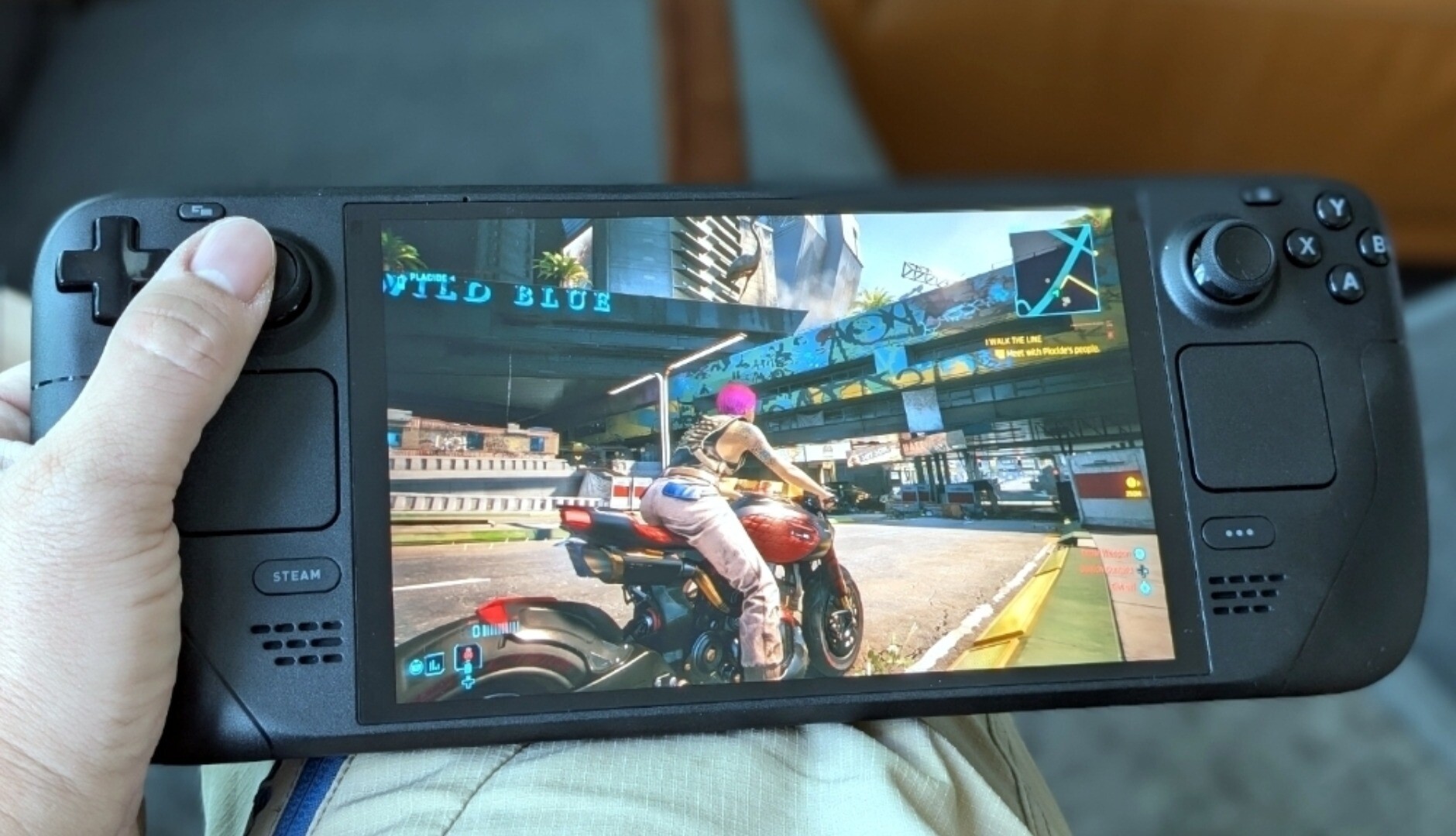
Steam Deck OLED playing Cyberpun 2077

I've always played with handheld gaming on the PSP and mobile phones, but never with “serious” games like this. The freedom to just pick up and play any game on the go, sitting in a comfy chair, or downstairs in front of my gaming PC was amazing.

Then there is Steam OS. This fantastic distro developed by Valve is so efficient, stable and eye-candy that it was, and still is, mind-blowing.

A year went by and then Lenovo announced the Lenovo Legion Go S with SteamOS, the first OEM device delivered officially with SteamOS.

The Legion Go S (Z1 Extreme edition) have a bigger screen, faster hardware and better quality joysticks. So I just had to buy it!

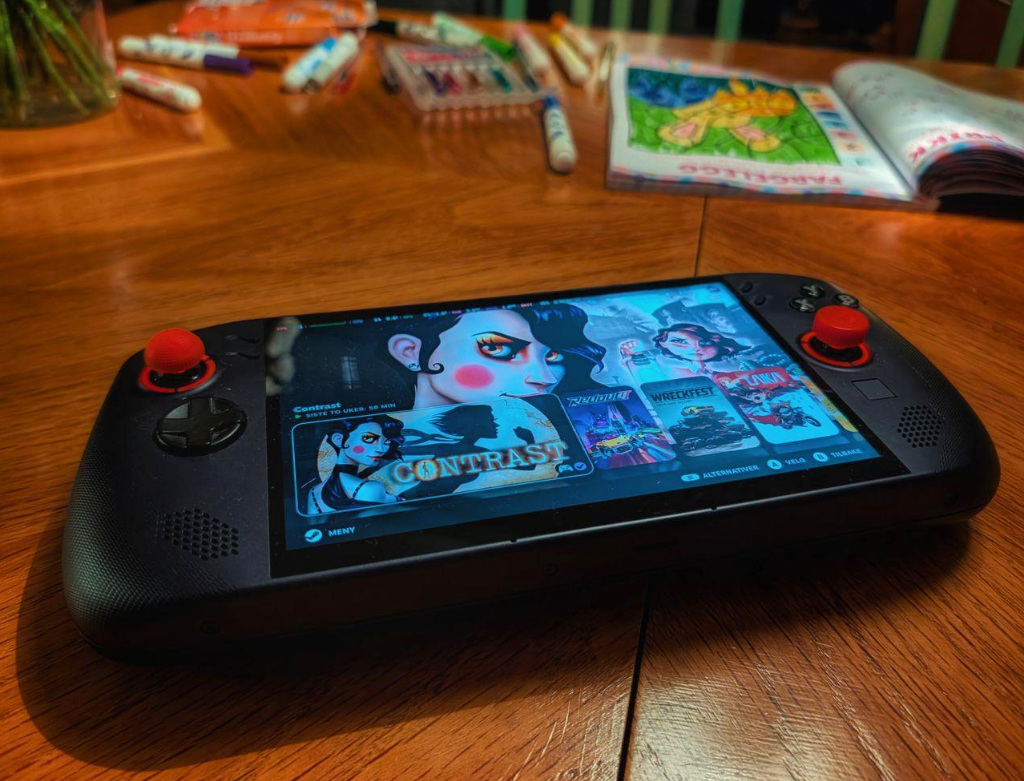
The Legion Go S with the game Contrast on an old table

...and I love it!

Since SteamOS is Linux, and Linux is very customizable, you can also do a lot to make it “yours”. I've played around with Decky-loader, plugins and CSS to enhance the functionality of Steam OS and change much of the appearence to make my device look more unique, at no resource cost for the device itself.

And this experience again was basically what triggered me to replace Windows with Linux on my gaming-PC a few months later.

As I understand, the Steam Deck is your cheapest SteamOS option in USA, but here in Norway where the Steam Deck never launched officially and needs to be imported manually. So the Legion Go S is actually the cheapest and safest way of starting with handheld PC-gaming here. I could not recommend it enough, it's a fantastic device!

#Linux #SteamOS #Lenovo #SteamDeck #Steam

The first time I replaced Windows with Linux on a standard PC was about 25 years ago. Back then, I installed the French distro Mandrake Linux on an old PC I had lying around. Since that went quite well, I installed Fedora on my first personal laptop, an IBM (pre-Lenovo) ThinkPad something-or-other, a few years later.

How to choose a distro?

The fact that you have to choose a distro, and that there are loads to choose from, is said to be one of the biggest hurdles for many people who want to try out Linux. I completely understand the issue and have tested quite a few distros myself.

Overall, I've probably had Ubuntu on my machines the most, but Fedora comes in a strong second and have always been the distro I've liked the best from a user perspective.

Fedora is a free and open-source Linux distribution developed by the Fedora Project.

Its history begins in 2003, when it was created as a continuation and merger of the Red Hat Linux (RHL) project and the community-driven fedora.us project. This merger formed the modern Fedora Project, which is sponsored primarily by Red Hat but driven largely by a global community of contributors.

The project is known for its rapid, six-month release cycle, typically offering new versions each spring and fall. Most development for Fedora is done in a globally distributed manner, leveraging both Red Hat's worldwide offices and a vast volunteer community of over 2000 contributors.

Fedora is also, by the way, the distro Linus Torvalds himself prefers to use on his personal computers.

Lenovo Thinkpad on a table

After 20+ years, I still have a Thinkpad laptop with Fedora, a very nice second hand T490 that I got very cheap. It's running Fedora Workstation 43. The installation was ridicilously simple compared to Windows or anything really. Everything worked “out of the box”, even the finger print scanner. Updating the firmware was also a much easier experience than on Windows (the previous owner had not upgraded anything it seems).

On my gaming PC on the other hand, I've always used Windows, but this year I decided it was the year of Linux!

First I wanted to test a gaming-focused distro, so I started with Bazzite (based on Fedora Silverblue). It didn't quite stick, the Silverblue is a good thought, but I like to tinker, so I moved on to Nobara. This distro is based on regular Fedora, but with it's own UI tools that I found rather lacking... Also Gnome didn't handle gaming on dual screen very well (games kept starting on the wrong monitor and/or wrong resolution).

So I moved on to Pop!_OS as people claim it's the most optimized distro for Nvidia GPU's. I call bullshit on that now, I struggled so much with my dual screen setup and games. Loved COSMIC Desktop in general, but for my usage it was not working.

Then I tried to install other upcoming gaming-distros. First CachyOS, the installer just crashed... then PikaOS, didn't handle dual screens at all, just mirrored them.

At this point I gave up on these small gaming-distros and simply installed Fedora KDE Plasma Desktop (43), enabled third party repositories and installed proprietary Nvidia drivers and Steam (with like 4-5 dnf quite simple commands), and now I'm in love!

I still prefer the Gnome user experience over KDE, but the way Fedora with KDE Plasma handles my dualscreen setup and games is just freakin' awesome!

It took about 15 minutes from I booted Fedora for the first time until I was killing demons in Doom Eternal at 120FPS without any issues what so ever. I've spent the last few days installing and testing a bunch of games, tuning and customizing the distro to my liking and I just love it <3

Here is my advice: Forget the gaming-distros, just use the distro with your favorite package-manager and take the 10-15 minutes it takes to tune it. If you don't have a favorite package-manager, just use Fedora KDE Plasma Desktop!

#Fedora #Linux #Lenovo
The search for European alternatives to American tech is gaining momentum. Undoubtedly, Europe has spent too long in the shadow of the US regarding digital advancements and the business of cloud services.

France and Germany are currently the pioneers in Europe, putting money and requlations behind all the talk.

But what can you do as a private person? What have I done?

Vesterålen

Personally I think it's important to decide what is important to you, do you just want to get away from #BigTech, American cloud services, or everything American?

Each of these three variants adds complexity. Just getting away from American cloud services is the easiest to be honest with #BigTech as number two and everything American as the impossible choice.

Personally I'm currently focusing on a middle ground by moving away from “American Big Tech” as much as possible, but not afraid to keep using open source with an American base, and small American companies that are opposing #BigTech.

What does that mean? That is what I'm planning to use this blog for, with a mix of gaming-related posts as well.